Coding games for kids work best when they teach the idea before the syntax. A child should first learn that instructions have order, loops repeat, conditions branch and debugging is normal.
## What a good kids coding game teaches
The first goal is not “learn Python” or “become a developer.” The first goal is computational thinking: break a goal into steps, predict what the program will do, run it, and adjust when reality disagrees. Games are good at this because they make mistakes visible. A robot turns the wrong way. A character walks into a wall. A farm drone misses a crop.
For younger children, visual blocks are not a downgrade. They remove spelling and punctuation so the learner can focus on sequence, loops and cause-and-effect. Typed code should arrive when the child can already explain the logic out loud.
## Best coding games for kids
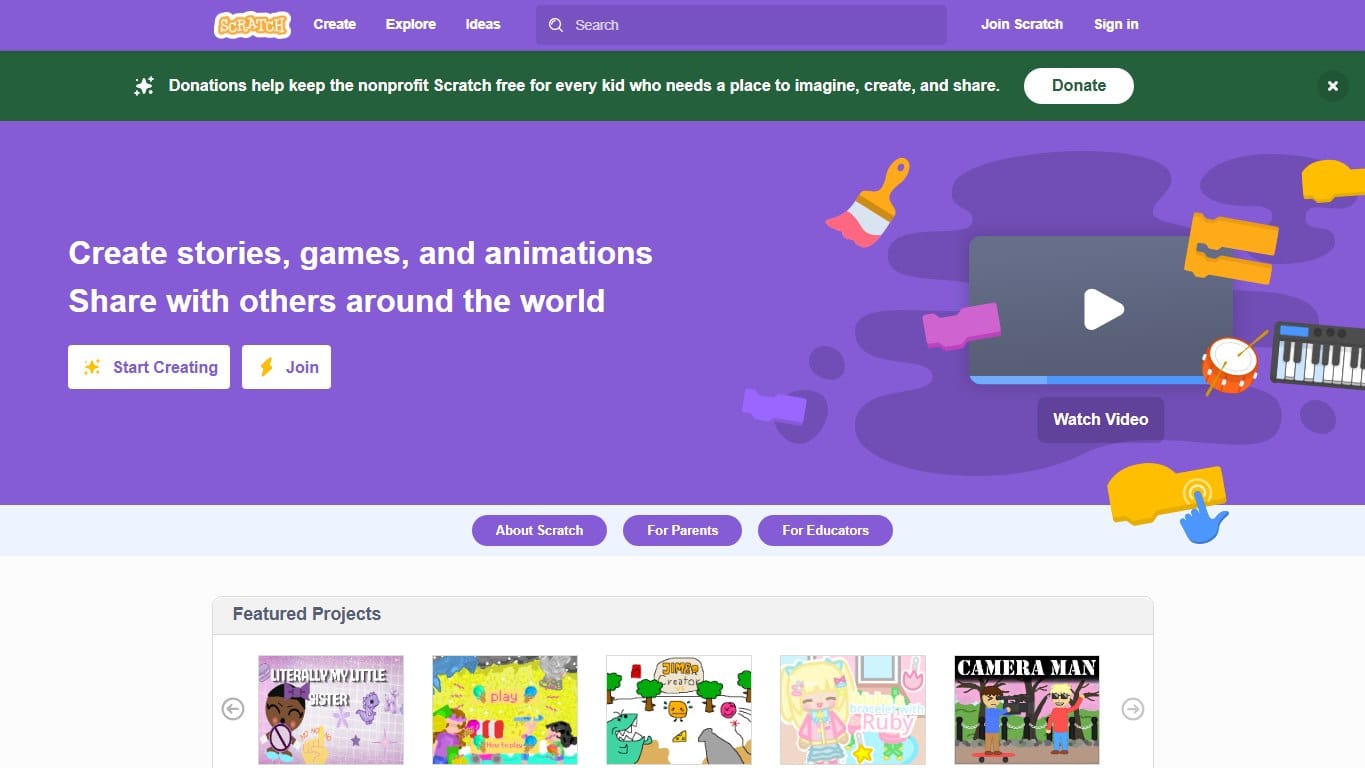
The classic block-based creative coding platform where kids build games, stories and animations by snapping instructions together.
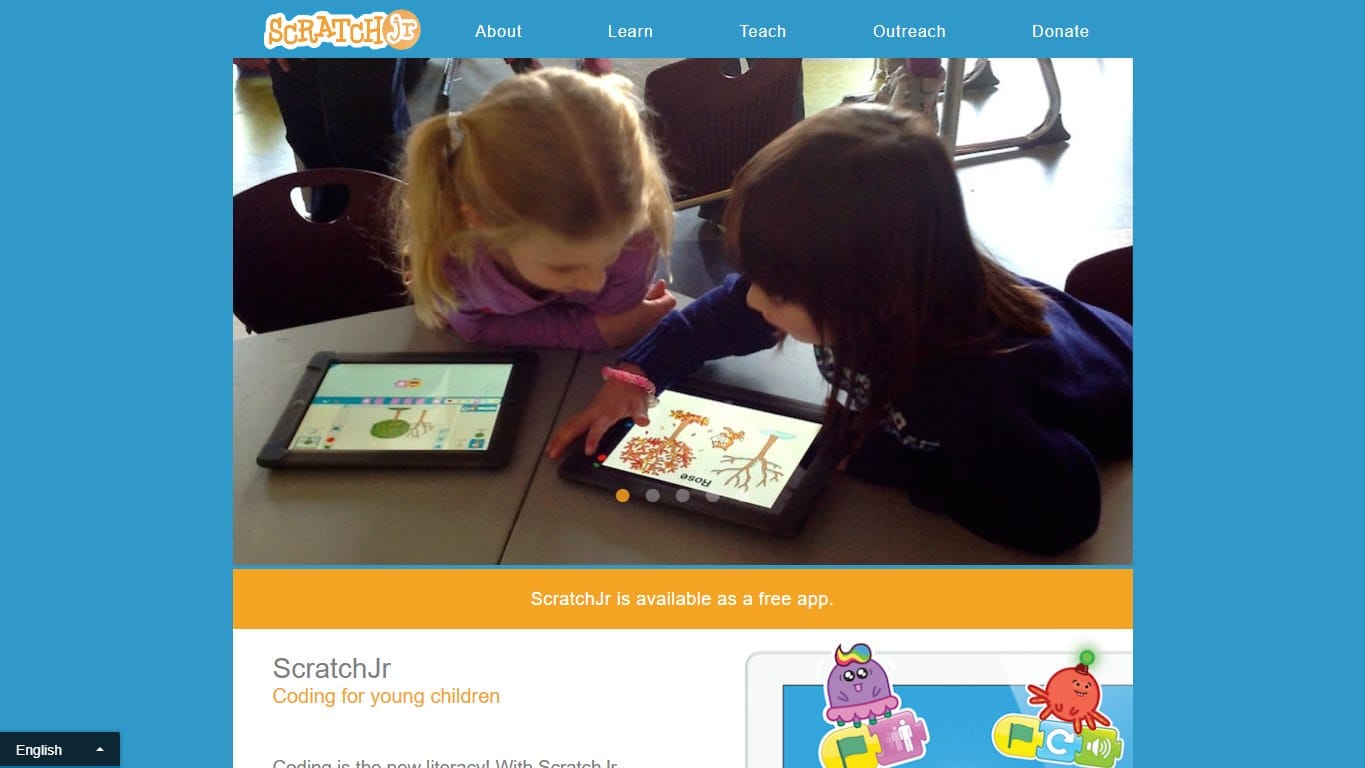
A gentler Scratch-style app for young children, focused on sequencing, characters, pages and playful early coding.
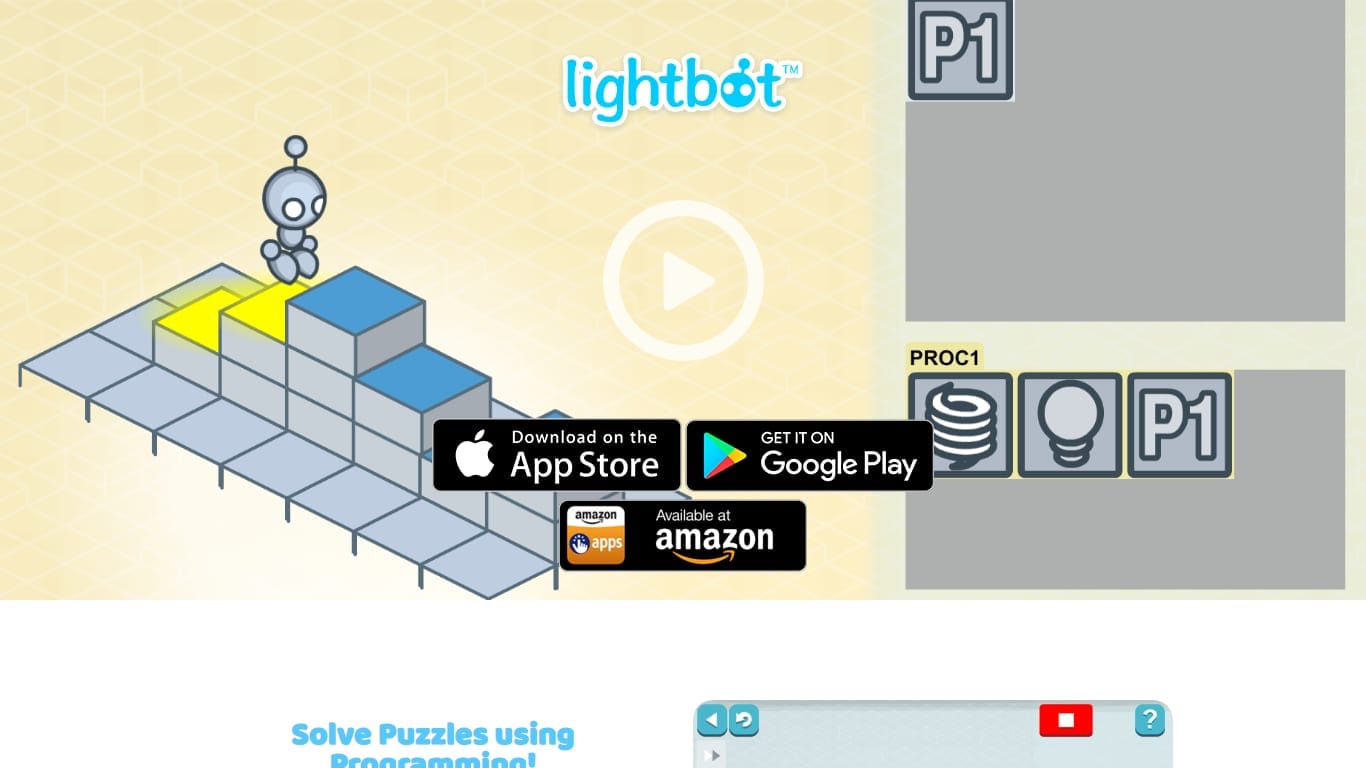
Sequence simple commands and procedures to light up tiles. The friendliest possible introduction to programming logic.
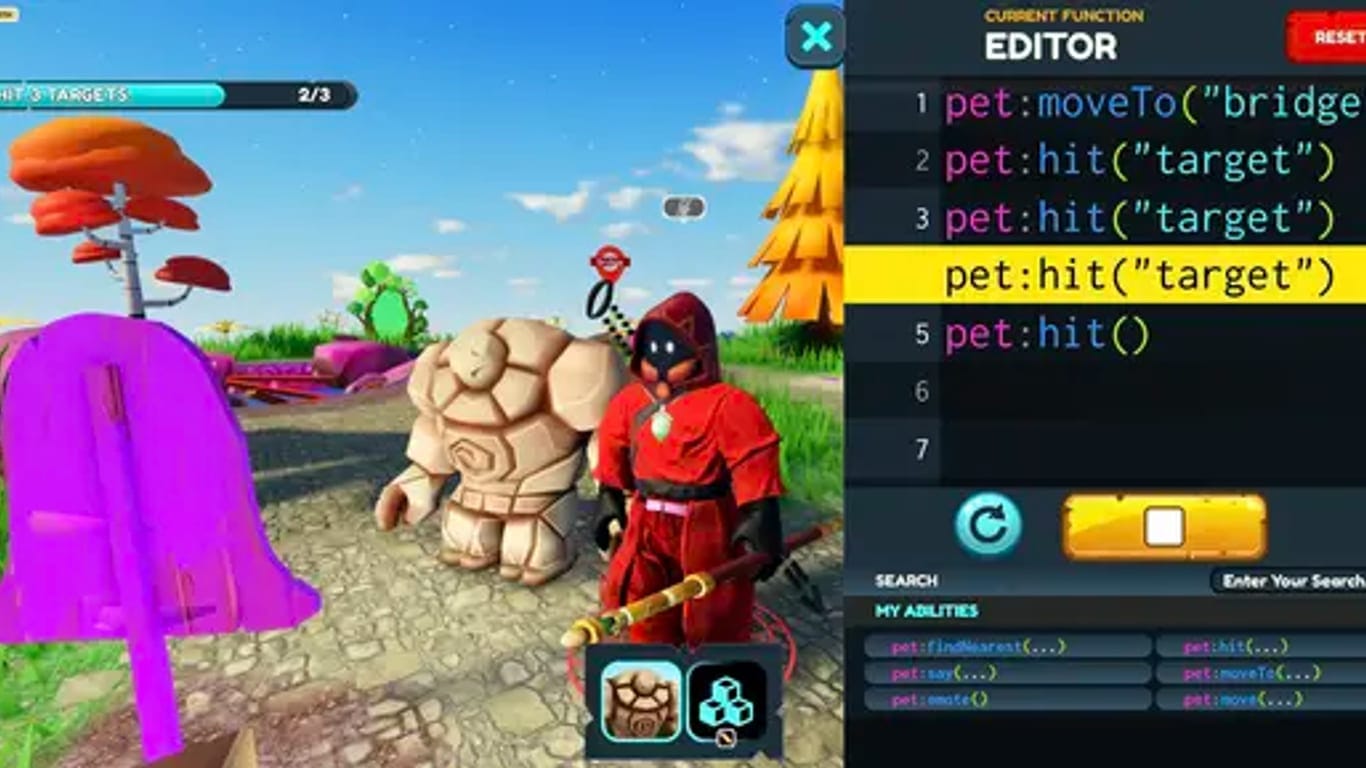
Learn Python or JavaScript by playing a top-down RPG where every move is a line of code you write.
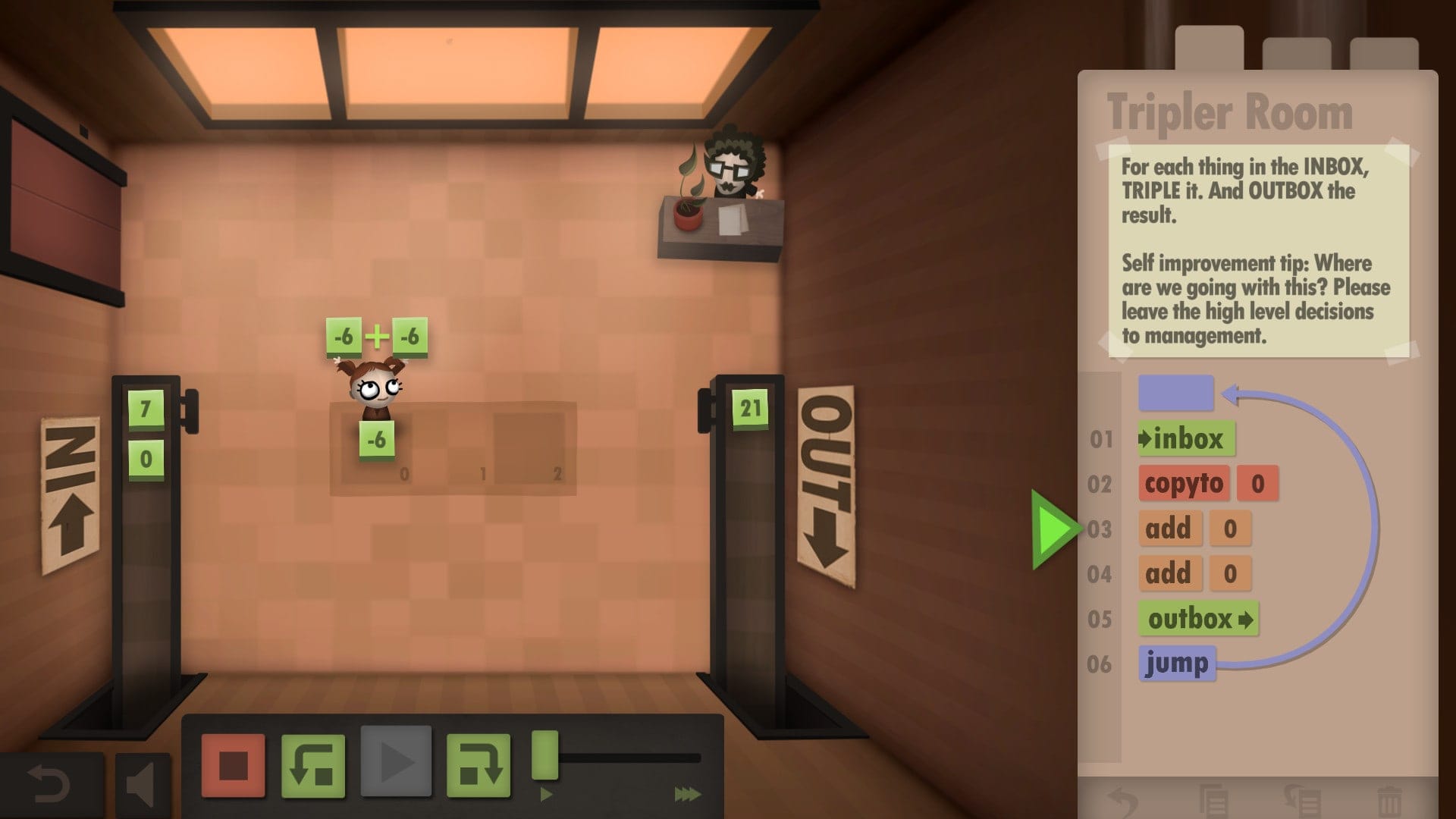
Drag visual instructions to automate your white-collar job. A gentle, beautifully made intro to assembly thinking — no syntax required.
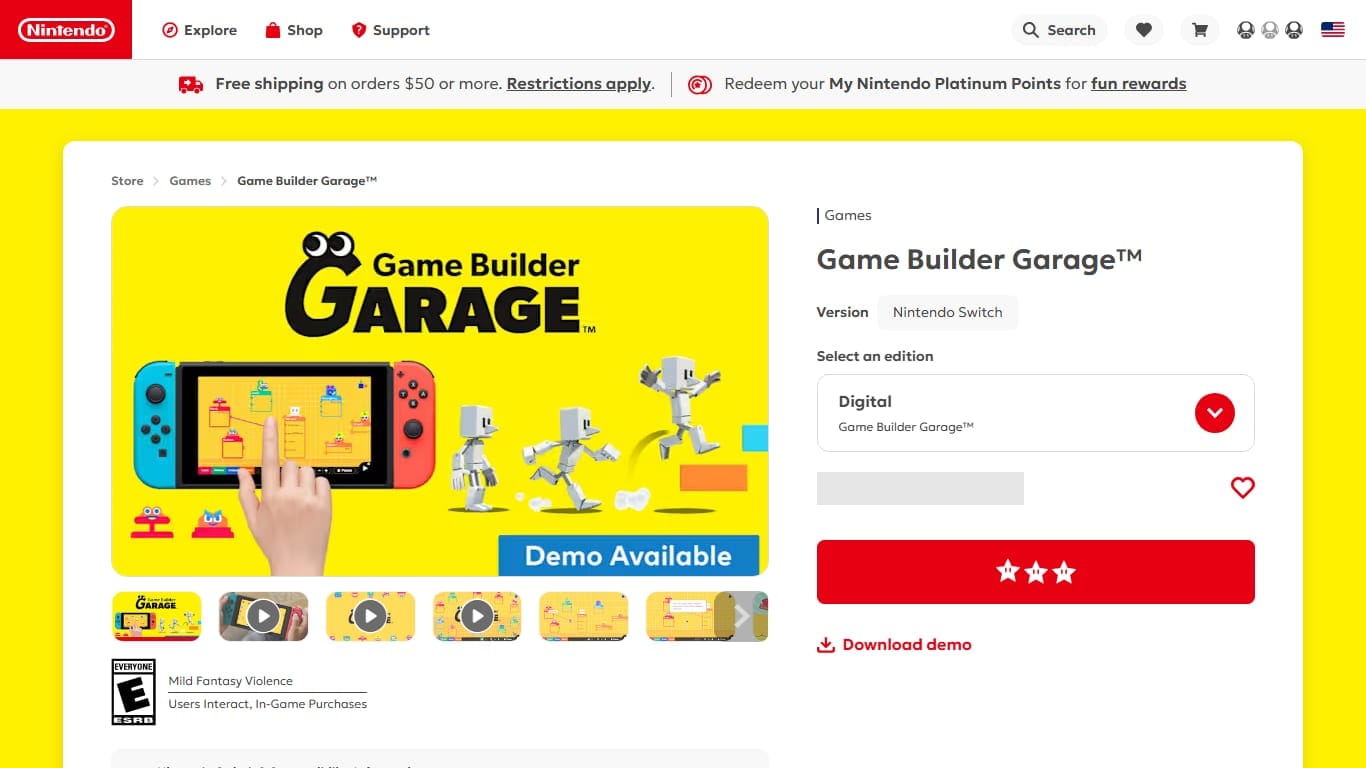
Nintendo’s visual programming game: connect quirky creatures called Nodon to build real games from logic and wires.
Scratch and ScratchJr are the most natural starts for children who want to make something of their own. Lightbot is a gentle starting point for sequences and procedures. CodeCombat is a strong bridge into typed Python or JavaScript. Human Resource Machine is better for older kids who enjoy puzzles, while Game Builder Garage is a playful visual environment for making games rather than only solving levels.
## A sensible age path
- →Ages 5–7: ScratchJr-style blocks, Lightbot-style movement puzzles and guided tablet activities.
- →Ages 8–11: Scratch projects, CodeCombat beginner worlds, Cargo-Bot and simple robot games.
- →Ages 12+: Human Resource Machine, CheckiO, CodinGame beginner puzzles and beginner Python projects.
- →Teens who like systems: Autonauts, The Farmer Was Replaced, Bitburner or Battlecode.
Age is only a rough signal. Interest matters more. A child who loves making stories may thrive in Scratch. A child who likes puzzles may prefer Human Resource Machine. A child who likes building routines may understand automation faster through Autonauts than through a lecture.
## How parents should help
The best help is asking questions: What did you expect? What happened? Which instruction caused it? This teaches debugging without taking control away. Avoid grabbing the keyboard too quickly. The child needs to experience the link between their own instruction and the result on screen.
It also helps to make coding social without making it high-pressure. Ask the child to show the funniest bug, the cleverest shortcut or the part they want to change next. That keeps the focus on curiosity. A coding game should feel like a place to test ideas, not a test the child can fail.
If a game becomes frustrating, step back to a smaller problem. Rebuild one level, change one rule, or draw the instructions on paper before running them. The goal is not constant progress through levels; the goal is learning how to reason when the computer does exactly what was written, not what was meant.