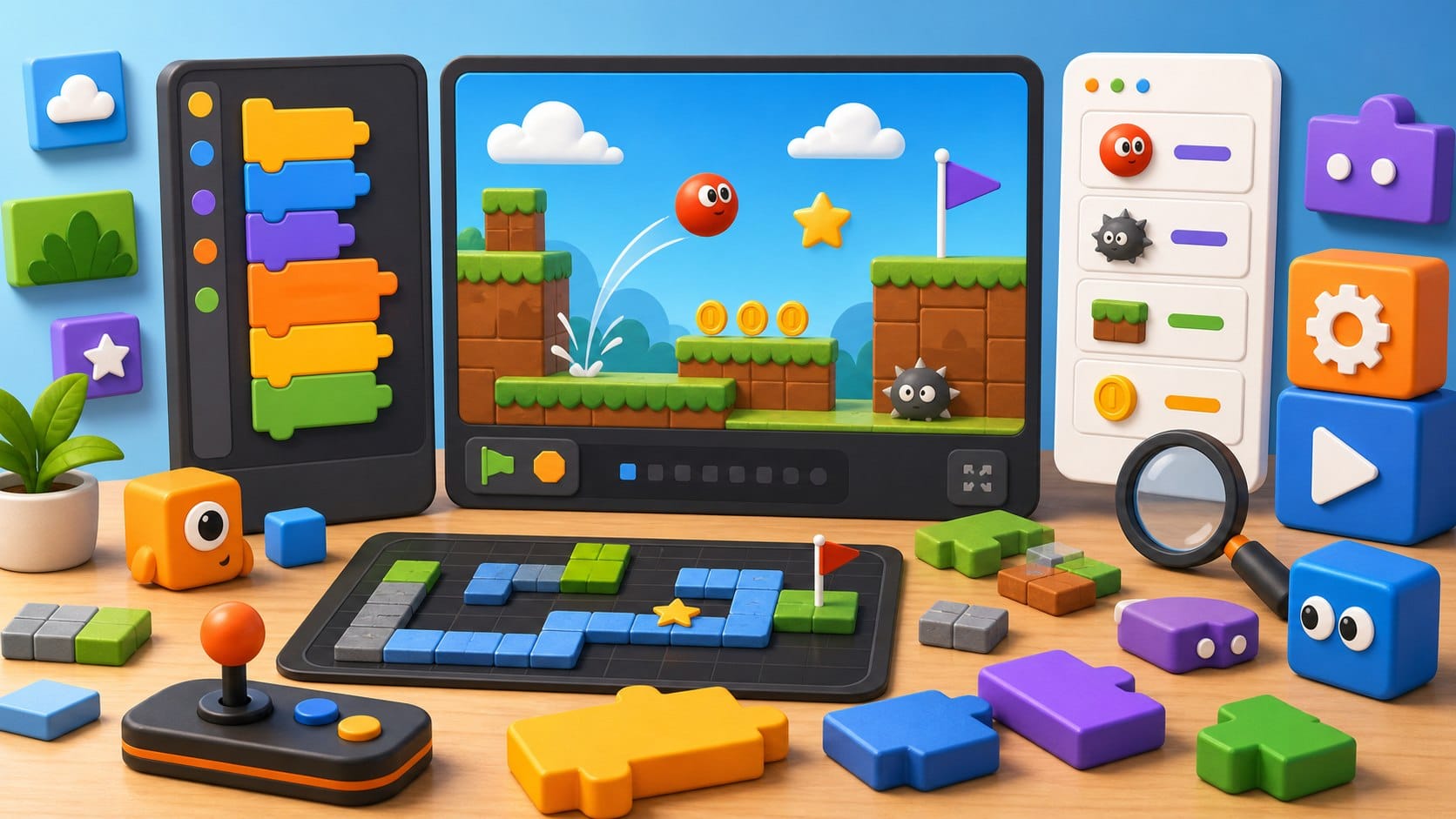
Scratch coding games are powerful because they let beginners make something playable before syntax gets in the way. You drag blocks, run the project, see the sprite move and immediately understand that code is behavior.
## Why Scratch is a great first game engine
Scratch is not only a kids tool. It is a fast way to learn events, loops, coordinates, variables, collision, state and debugging. Those ideas are the backbone of many real games. The difference is that Scratch makes them visible: a sprite has a position, a costume, a direction and scripts that respond to events.
The best Scratch coding games are small enough to finish but flexible enough to remix. Beginners should not start with a giant RPG. They should build a simple game, then add one feature at a time until the project teaches design as well as code.
## Best Scratch coding games to build first
- →Maze game: teaches movement, walls, collision and level design.
- →Pong: teaches coordinates, bouncing, scoring and simple game loops.
- →Clicker game: teaches variables, upgrades and balancing.
- →Platformer: teaches gravity, jumping, collision and state.
- →Virtual pet: teaches events, timers, moods and simple simulation.
- →Quiz game: teaches conditions, input and feedback.
A maze game is the best first project because the rules are concrete. The player moves, walls block movement, and a goal ends the level. Pong is better for learning motion and angles. A clicker game is surprisingly useful because it introduces variables and progression: score, cost, upgrade level and reward.
## What Scratch games teach
Events are the first big idea: when the green flag is clicked, when a key is pressed, when a sprite touches another sprite. Loops come next, especially forever loops that keep checking movement or collisions. Variables appear naturally when a game needs score, lives, time or inventory.
The hidden lesson is debugging. If the sprite falls through the floor or the score changes too quickly, the learner has to inspect the scripts and reason about timing. That is real programming thinking, even if the code is made of blocks.
## When to move beyond Scratch
Move beyond Scratch when the learner understands the logic but wants more control. Good next steps are CodeCombat for typed commands, Game Builder Garage for another visual game-building style, or beginner Python projects for text-based practice.
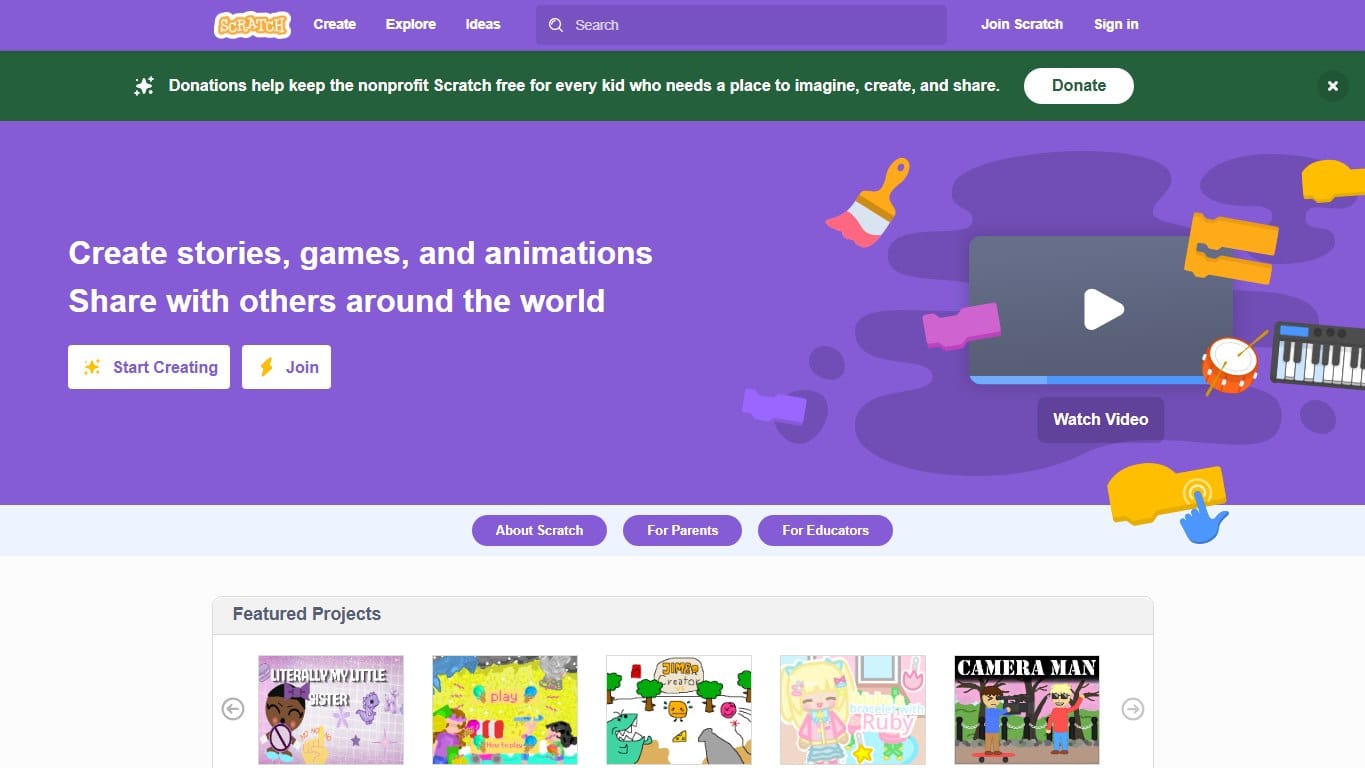
The classic block-based creative coding platform where kids build games, stories and animations by snapping instructions together.
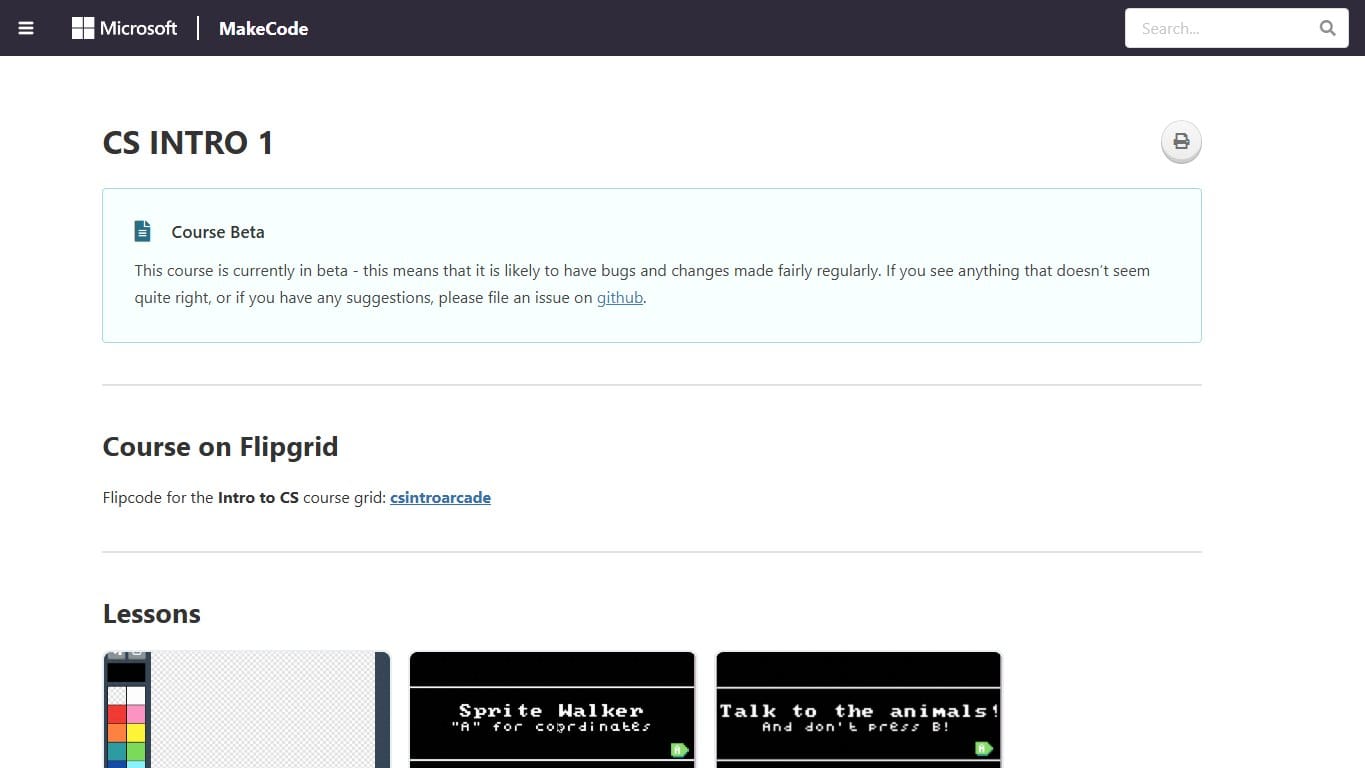
Build retro arcade games with blocks or JavaScript, then play them in the browser or on tiny handheld hardware.
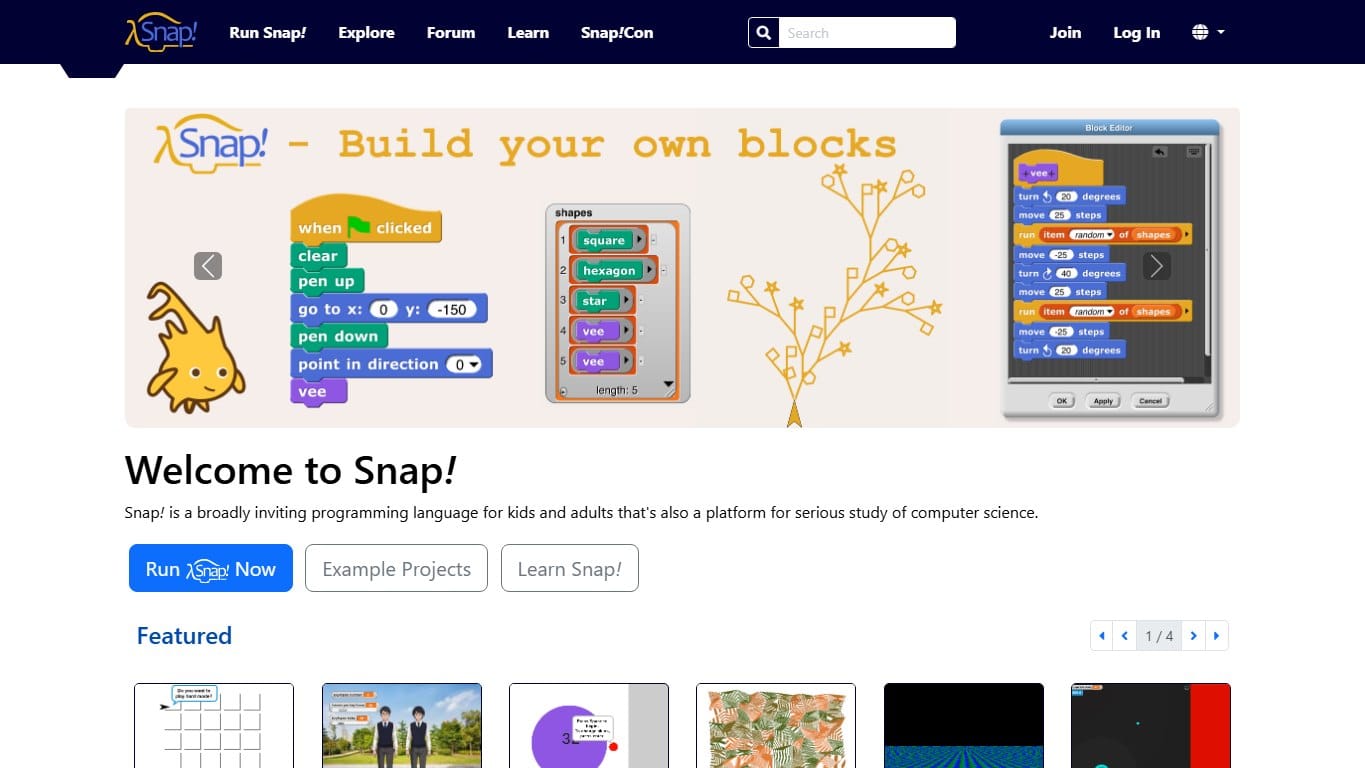
A Scratch-like block language with a higher ceiling: custom blocks, lists, first-class procedures and serious CS ideas.
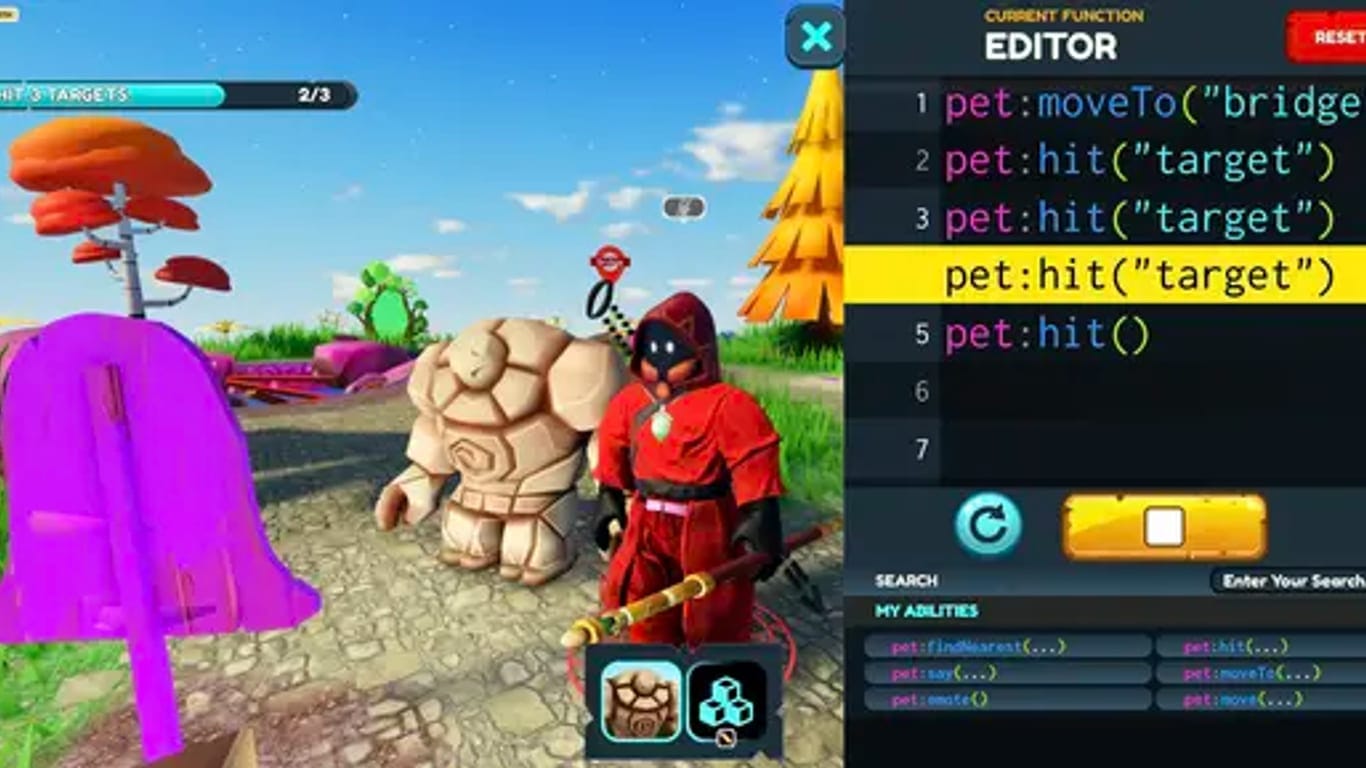
Learn Python or JavaScript by playing a top-down RPG where every move is a line of code you write.
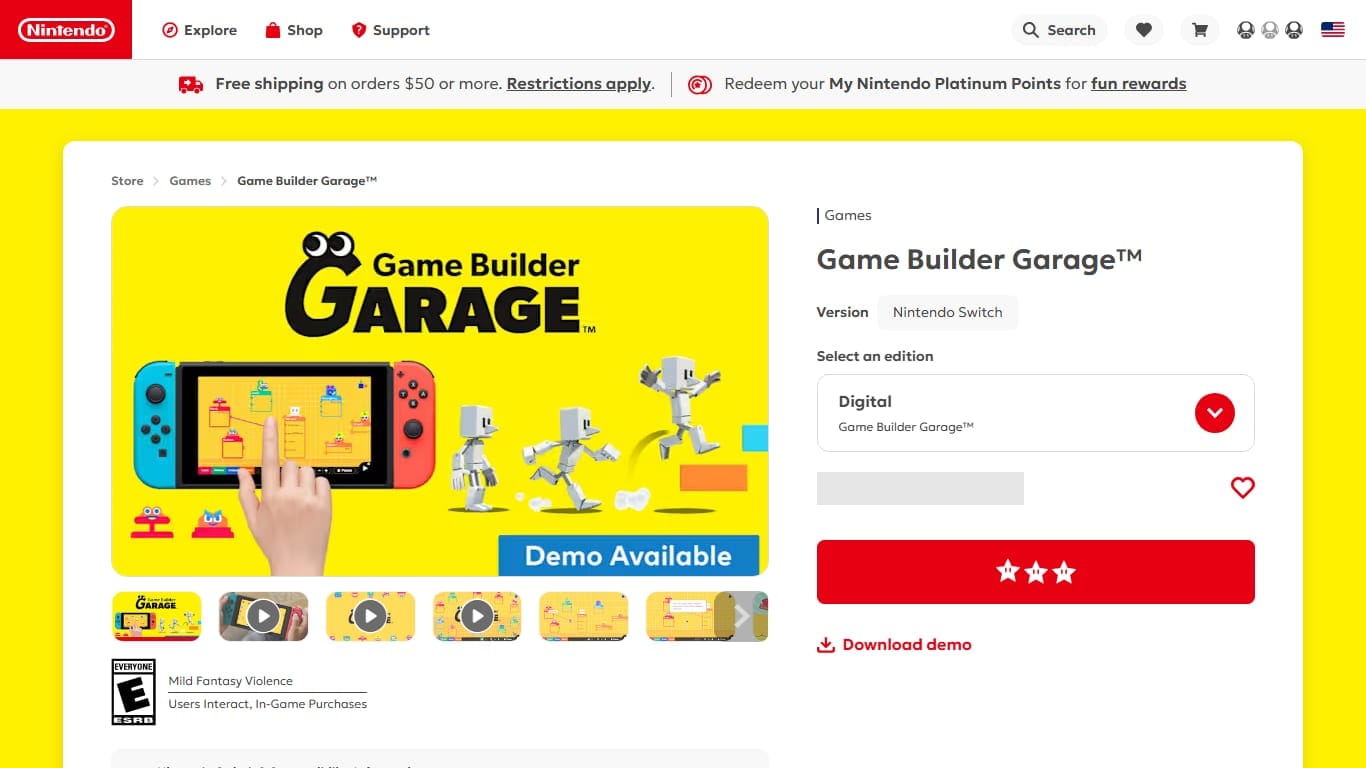
Nintendo’s visual programming game: connect quirky creatures called Nodon to build real games from logic and wires.
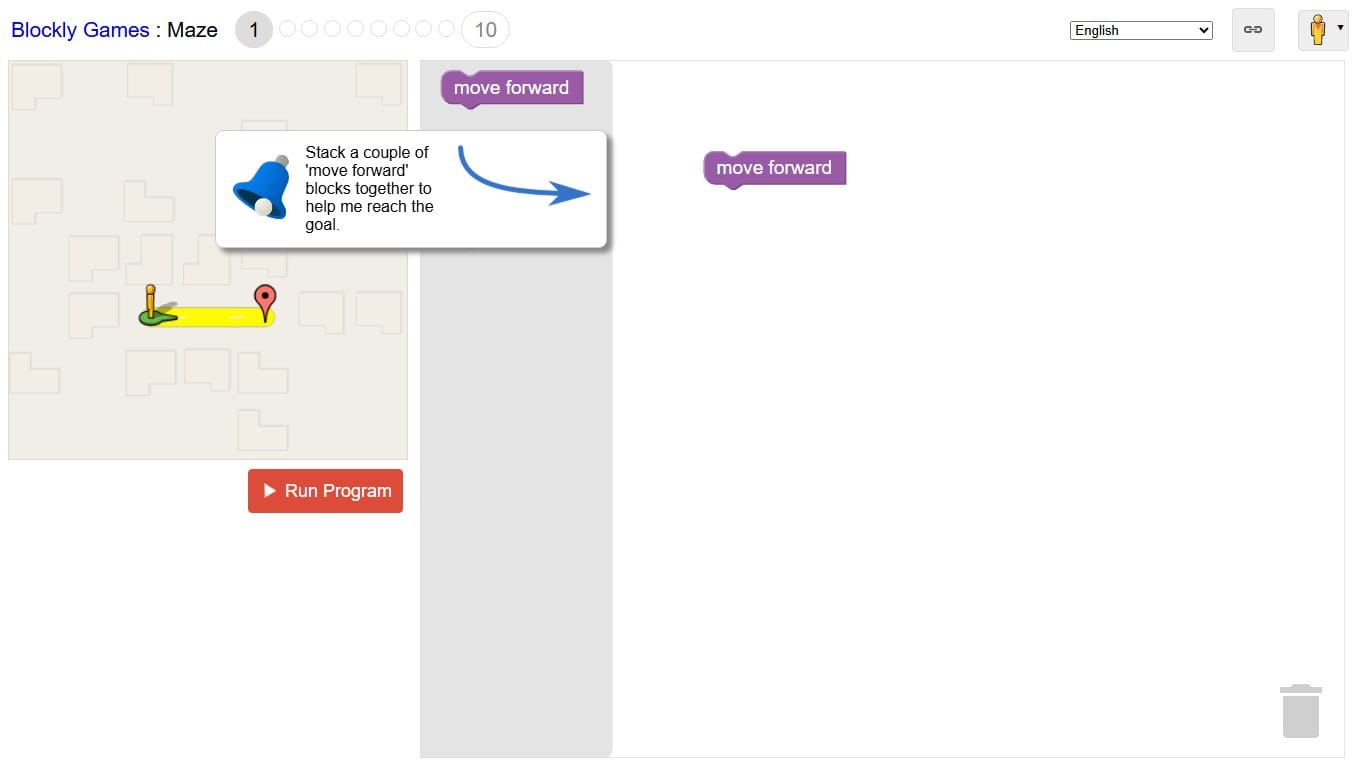
A free set of browser puzzles that introduce programming concepts through blocks before revealing the JavaScript underneath.
Scratch is a beginning, not a dead end. A learner who has built a maze, Pong, a clicker and a platformer already understands more programming structure than many tutorial readers. Typed code simply gives those ideas a new notation.
A good bridge project is to recreate one Scratch game in another tool. Rebuilding Pong in Python, JavaScript or a beginner game engine forces the learner to translate ideas: events become input handlers, sprites become objects, variables become state, and Scratch broadcasts become function calls or messages.