Snap!
A Scratch-like block language with a higher ceiling: custom blocks, lists, first-class procedures and serious CS ideas.
// About this game
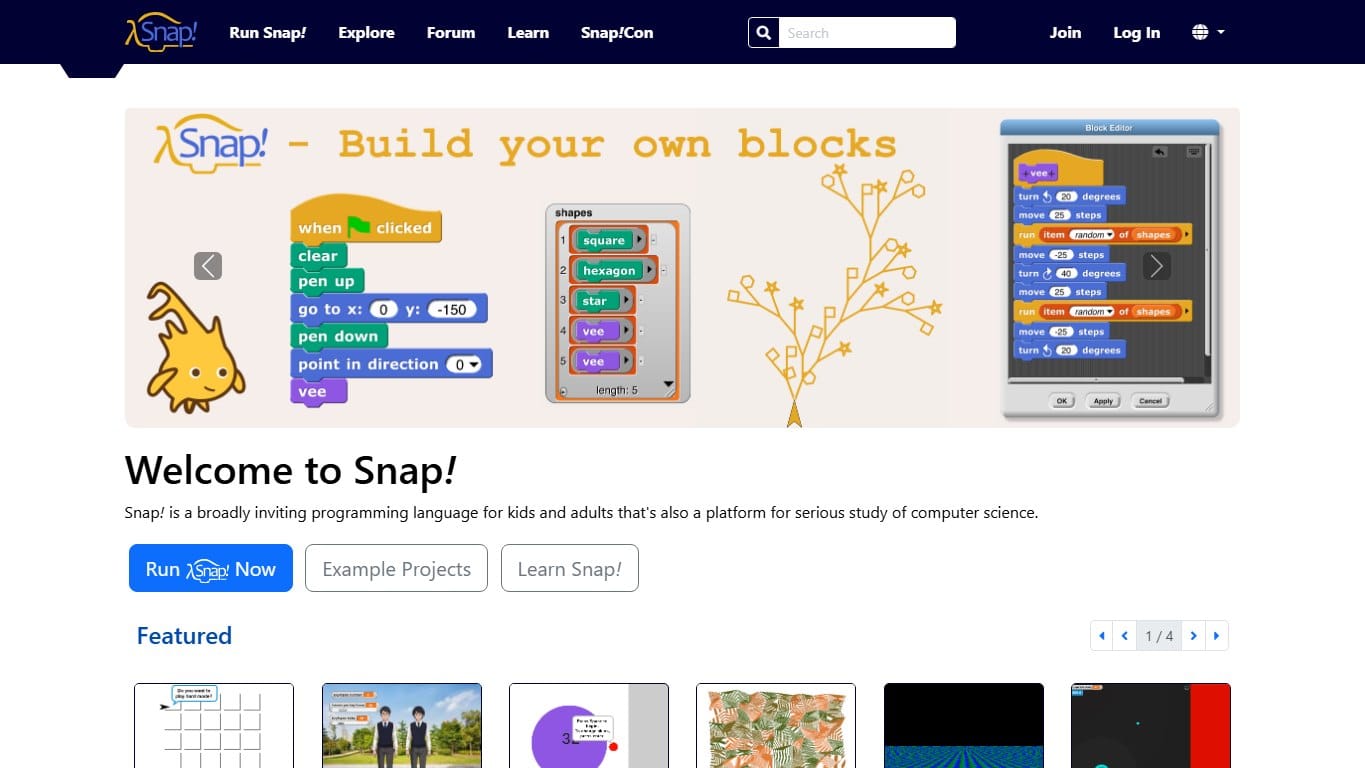
Snap! is best understood as game creation built around code as the main verb, not as a normal game with a small programming minigame attached. Snap! looks familiar to Scratch users, but it aims higher: custom blocks, procedures, lists and more advanced computer science ideas are part of the language rather than hidden behind extensions. It is a strong follow-up for learners who love Scratch but are ready for abstraction, reusable blocks and bigger projects without abandoning the visual programming model. The useful question for a new player is not simply "is it about programming?", but what kind of thinking it asks for: Blocks and Visual, blocks, computer science and community, and a willingness to test an idea by letting the simulation run. Released in 2011 by UC Berkeley, it sits in the catalog because the program you write is the thing that actually changes the game state.
The goal is not only to beat a level, but to build a playable thing. These environments turn programming into making: sprites, events, scenes, rules, variables and feedback loops become visible parts of a project the learner can test, remix and share. In Snap!, that means the fun is in the gap between an intention and a working implementation. You start with a rough plan, translate it into the tools the game provides, then watch the result expose every missing condition. A direct solution may pass the first level or match, but the better solutions usually come from noticing a pattern: repeated movement, wasted work, poor targeting, bad routing, a race condition, a blocked path, or a decision that should have been stored as state instead of hard-coded.
The language side is centered on Blocks and Visual, but the transferable skill is broader than syntax. You practice decomposition, debugging, iteration and the habit of reading the rules before blaming the machine. The intermediate rating is a good signal that the game expects basic programming comfort: loops, conditionals, state and debugging are part of normal play. Because it is online, the game also has a social or persistent edge: your code has to survive contact with leaderboards, shared state, other players or changing live conditions instead of only beating a frozen puzzle once. The best sessions are usually not the ones where everything works immediately; they are the ones where a failed run gives you a clear hypothesis for the next version. If the game has leaderboards, ratings or community solutions, those become useful mirrors rather than just bragging rights, because they show how many different shapes a correct program can take.
Snap! is strongest for players who like the feeling of making a system slightly smarter each time they touch it. It will be less satisfying if you want fast reflex challenges, cinematic spectacle or a puzzle with only one intended answer. The reward is more specific: seeing your own instructions harvest, fight, route, query, build, solve or survive without your hand on the controls. It is also easy to recommend as a trial because the entry cost is low: you can open it, test whether the programming model clicks, and only then decide how deep you want to go. Taken on its own terms, it is a practical way to turn programming concepts into a visible loop, where every bug is part of the play and every improvement has a concrete effect on the world in front of you.
// Related games
Scratch
★4.8The classic block-based creative coding platform where kids build games, stories and animations by snapping instructions together.
Microsoft MakeCode Arcade
★4.5Build retro arcade games with blocks or JavaScript, then play them in the browser or on tiny handheld hardware.
ScratchJr
★4.4A gentler Scratch-style app for young children, focused on sequencing, characters, pages and playful early coding.
// Related guides
Best JavaScript Coding Games for Automation, Bots and Browser Practice
The best JavaScript coding games for learning automation, bot logic, browser scripting and long-running systems without another dry tutorial.
Coding Games for Classroom Lessons: How to Teach Programming Through Play
A teacher-friendly guide to using coding games in school: lesson structure, age fit, reflection prompts, classroom routines and the best games for each objective.
Geometry Dash in Scratch: A Beginner Guide to Building a Rhythm Platformer
How beginners can build a Geometry Dash-inspired Scratch game: scrolling ground, cube jumping, obstacles, collision, variables and fair level design.