Game Creation programming games share one promise: the interesting action happens after your instructions run. This page collects the 5 game creation titles in the catalog and ranks them by rating so you can compare the strongest options first.
The best starting points here are Scratch, Microsoft MakeCode Arcade and Snap!. They span Blocks, Visual and JavaScript and usually sit around beginner and intermediate difficulty. Pick this genre when you want practice that feels like building a working system, not answering isolated quiz prompts.
Use these pages as a filter before the full catalog: choose the genre for the kind of thinking you want to train, then open the individual game pages for screenshots, quick facts, similar games and the best place to play.
Small genres are still useful when the intent is specific. A one-game category can be the exact answer for someone looking for API-first play, command-line control or a particular style of automation puzzle, especially when the full catalog would hide that niche among broader puzzle games.
Every game creation programming game in the catalog — 5 titles, ranked by rating. Browse the full catalog →
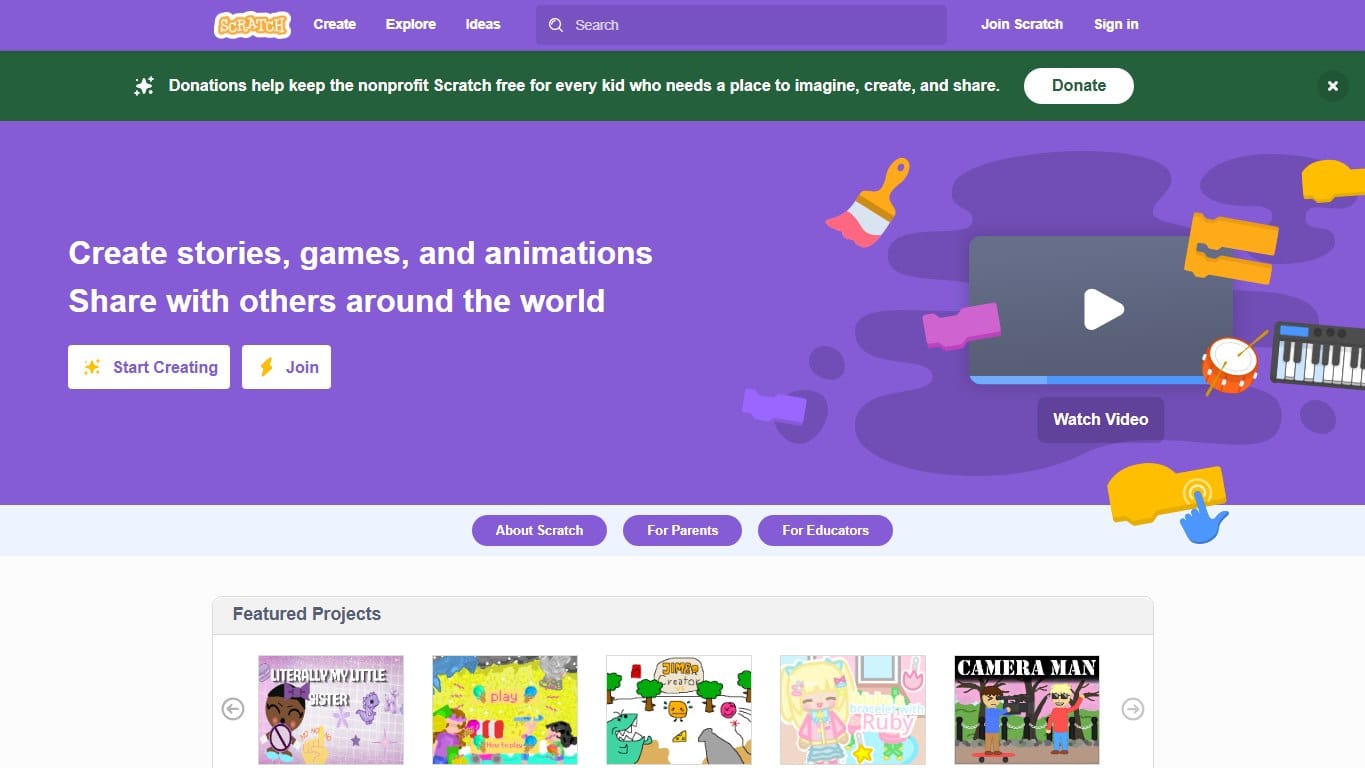
Scratch
OnlineFreeest. 2007★4.8 (5400)The classic block-based creative coding platform where kids build games, stories and animations by snapping instructions together.
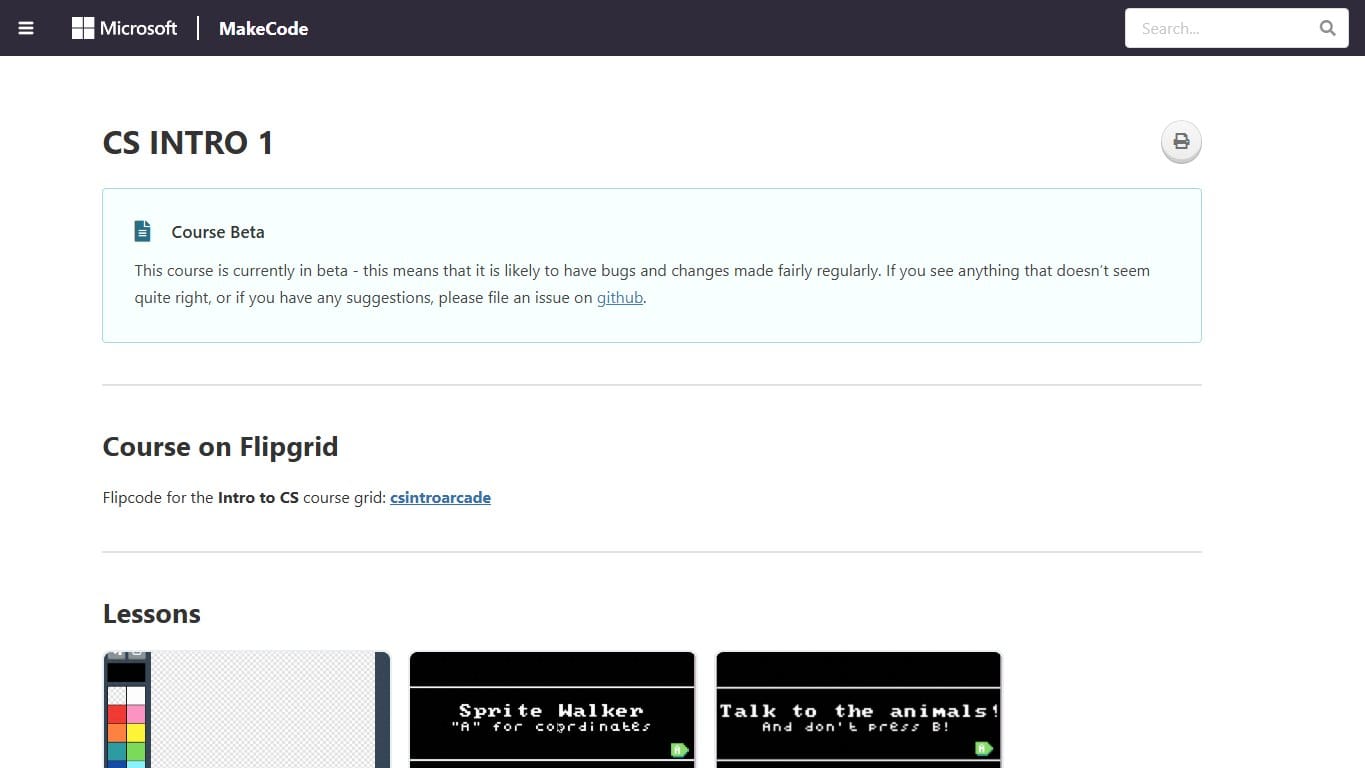
Microsoft MakeCode Arcade
OnlineFreeest. 2019★4.5 (640)Build retro arcade games with blocks or JavaScript, then play them in the browser or on tiny handheld hardware.
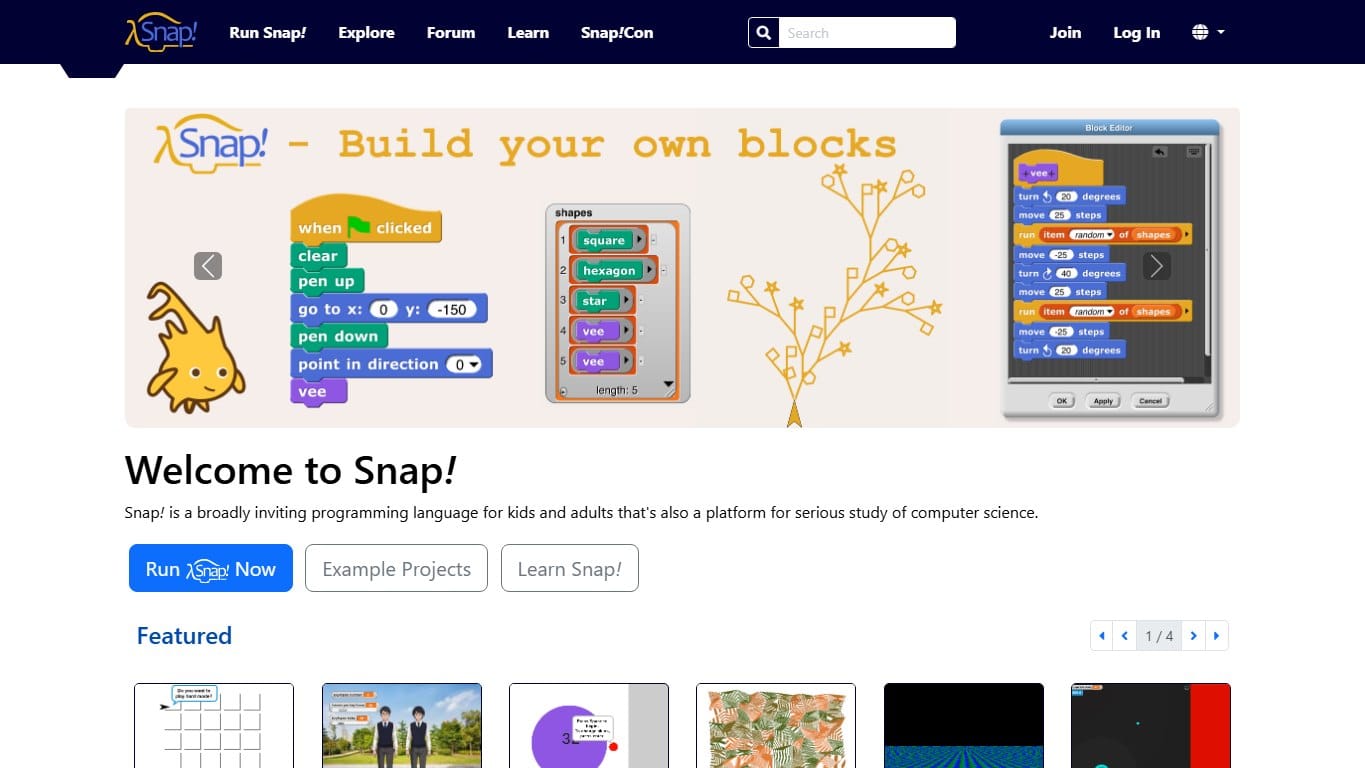
Snap!
OnlineFreeest. 2011★4.5 (310)A Scratch-like block language with a higher ceiling: custom blocks, lists, first-class procedures and serious CS ideas.
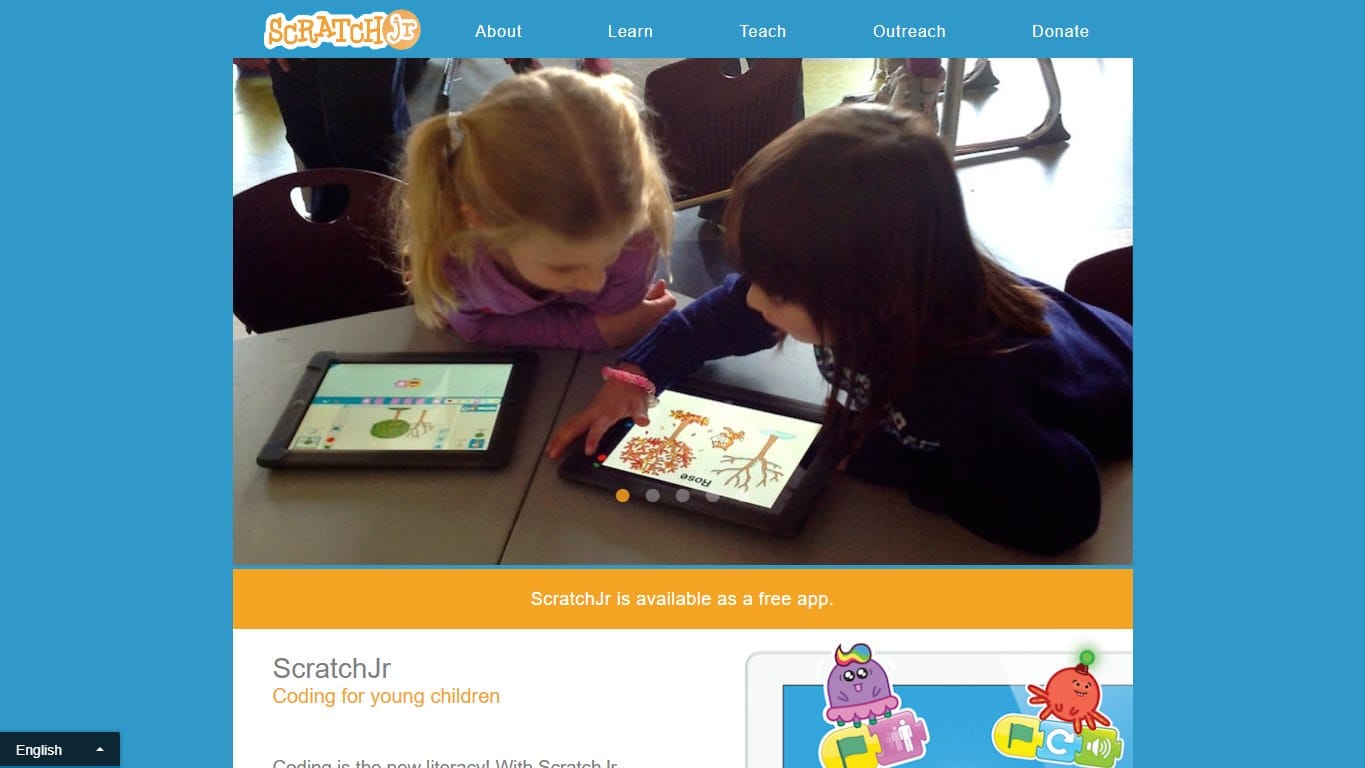
ScratchJr
OfflineFreeest. 2014★4.4 (980)A gentler Scratch-style app for young children, focused on sequencing, characters, pages and playful early coding.
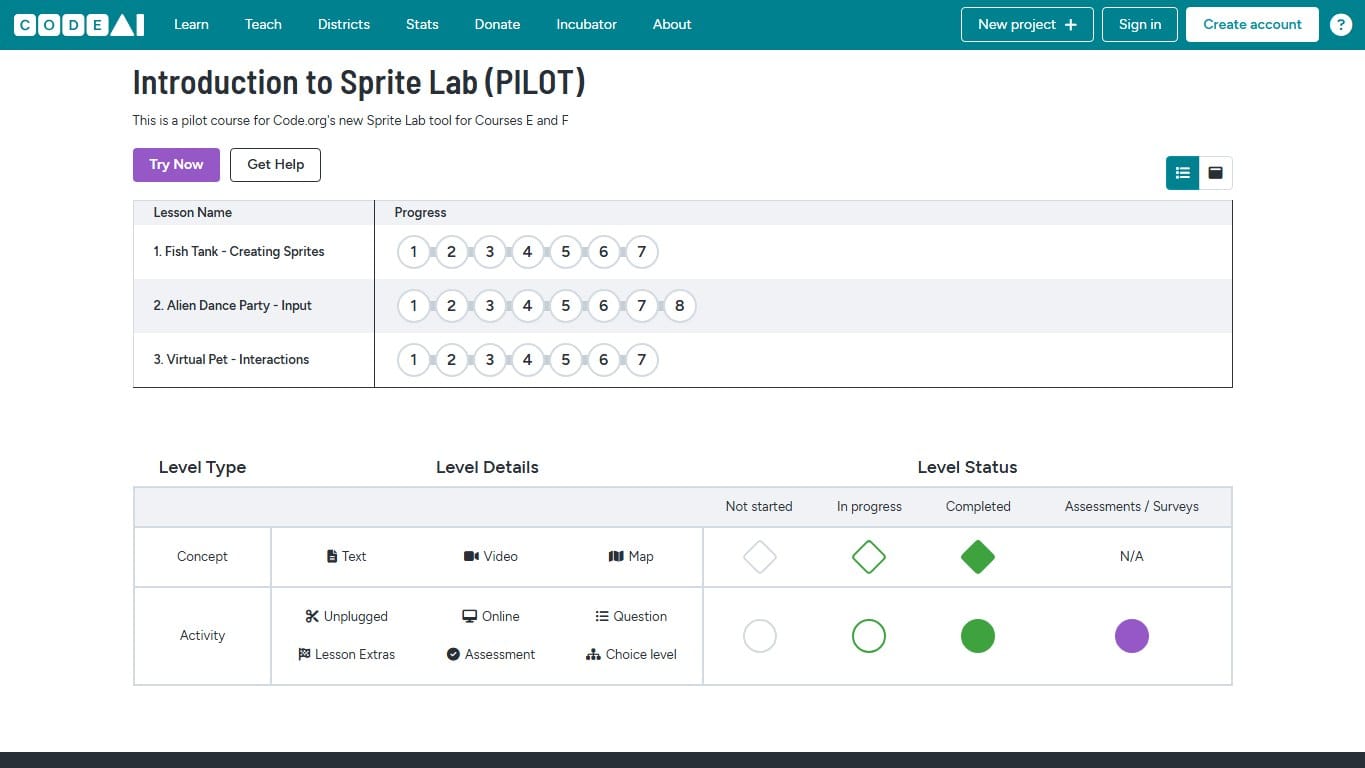
Code.org Sprite Lab
OnlineFreeest. 2018★4.3 (820)A beginner-friendly Code.org lab for creating sprite scenes, animations and simple interactive games with blocks.